Drawbly · Your ideas, in your own lines
Let your voice do some of the work.
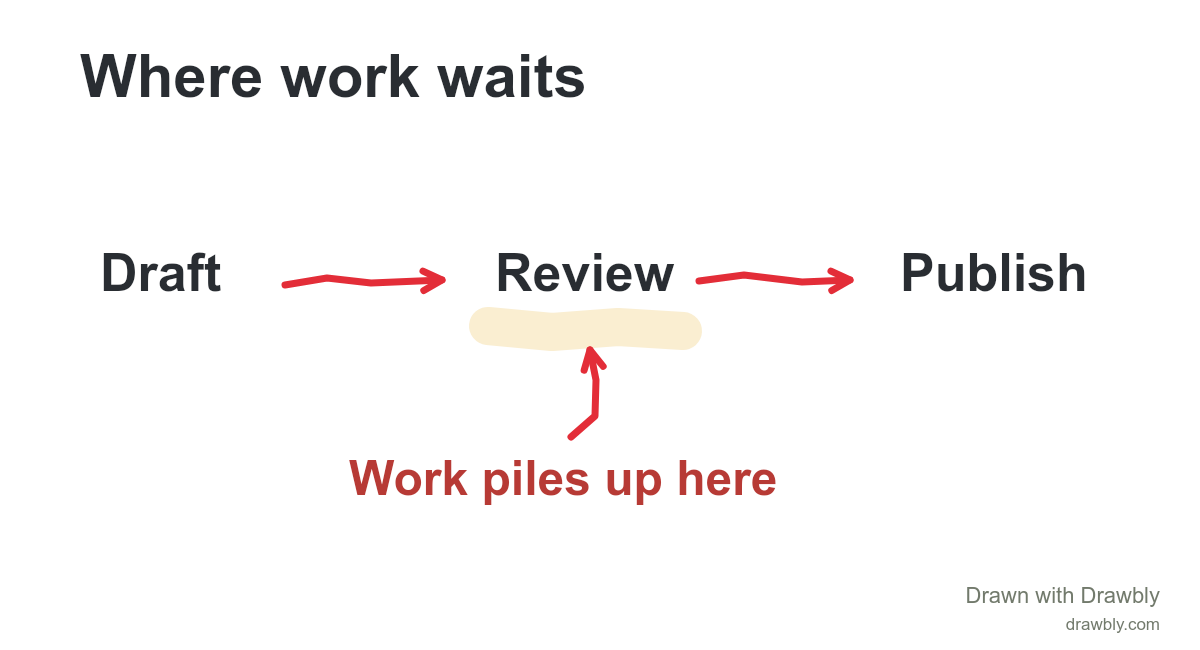
Keep the diagram simple. Say the detail as you draw.
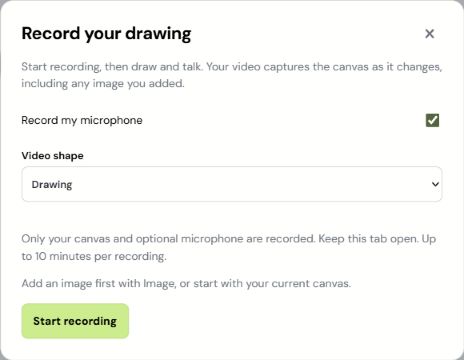
Choose your microphone.
Open Video → Record live. Leave Record my microphone on for narration, then choose Start recording. Allow microphone access when your browser asks.
Draw, talk, pause.
The recording bar stays above the canvas. Pause gives you thinking time; Resume continues. Choose Stop when you’re finished.

Say the sentence. Draw the arrow. Let the viewer catch up.
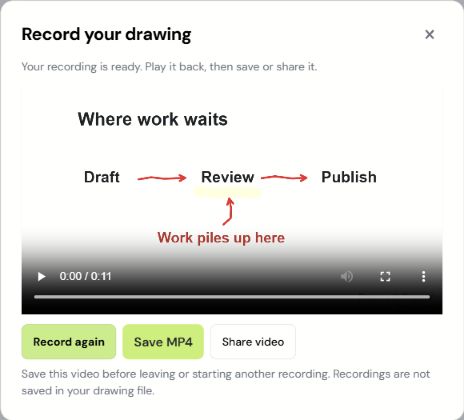
Watch it once. Save it.
Play the result to check your voice and labels. Choose Save MP4 (or WebM in some browsers). Share video uses your device’s sharing options when available.
A few things worth knowing
Recordings stay on your device until you choose to share them. They are held in memory until saved, with a ten-minute or 150-MB limit. Free recordings include Drawbly credit.
If microphone access is denied, change the site permission in your browser or record silently. Keep the tab open throughout recording.