Drawbly · Your ideas, in your own lines
The same drawing. A little suspense.
Let the process appear first. Reveal the bottleneck last.
Download the example, then choose Files → Open drawing file in Drawbly. Change any label or mark.
Open Video.
Start with a drawing. Choose Video above the canvas. The replay uses the order of your current marks.
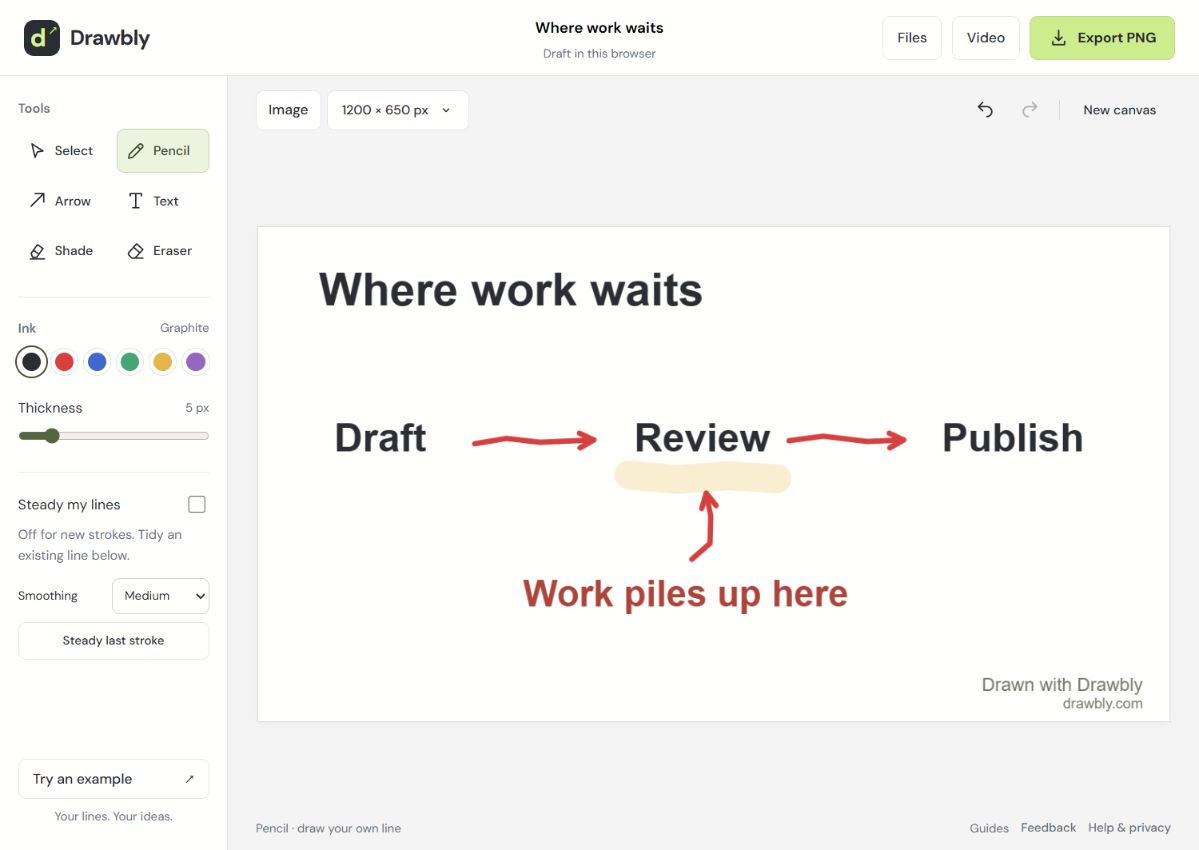
Set the pace.
For this example, choose 0.6 seconds per stroke and a 1.6-second end pause. Nine marks make a seven-second video.
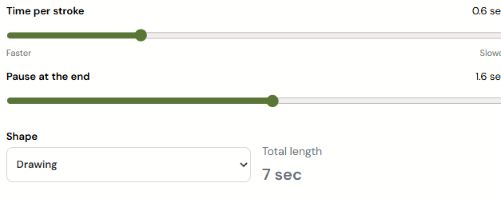
Preview, then save.
Choose Play preview. If the labels are readable, choose Create video, then Save video. Keep the tab open while it renders.
A few things worth knowing
MP4 is used where your browser supports it; WebM is the fallback. Saving a replay leaves the drawing editable. Free videos include Drawbly credit.
This is a reveal of your current marks, not a recording of earlier edits. For actual pauses and your voice, use Record live.