Drawbly · Your ideas, in your own lines
Make a point with three labels.
Let’s show where work gets stuck. Here’s the finished drawing.
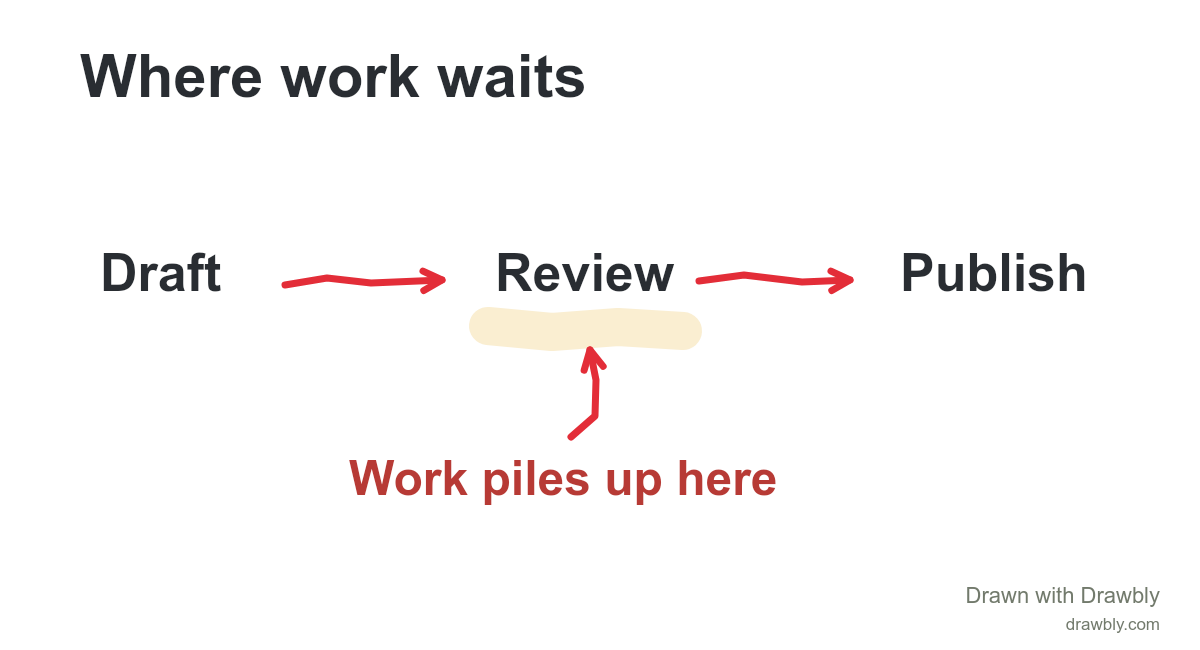
Download the example, then choose Files → Open drawing file in Drawbly. Change any label or mark.
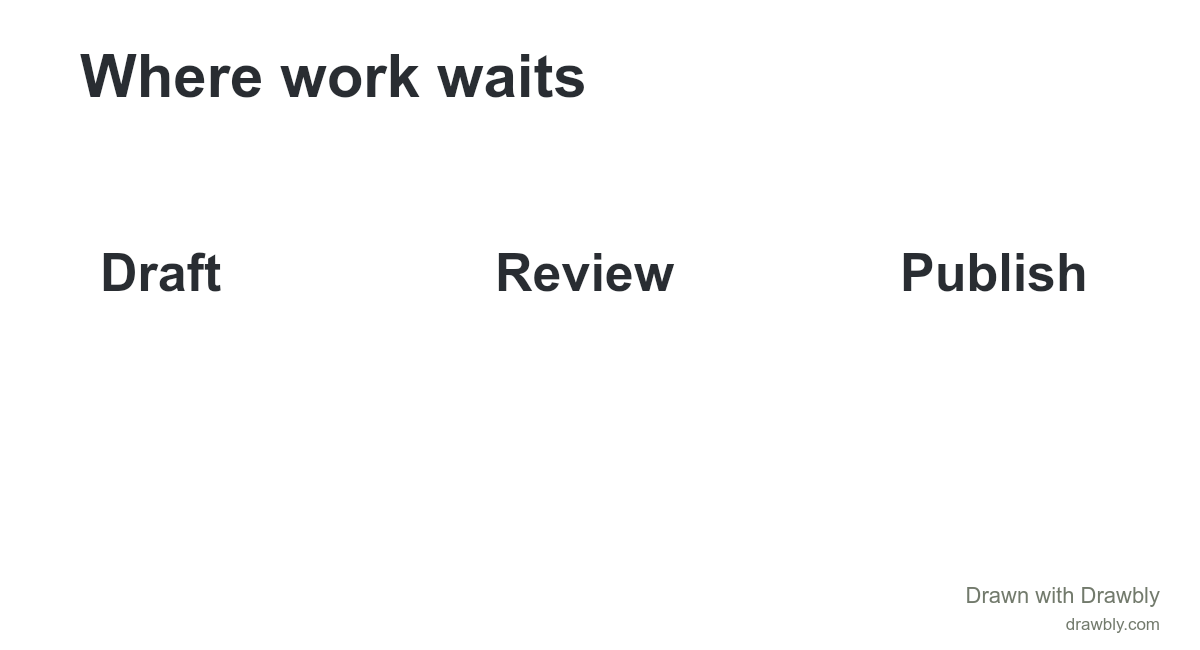
Name the three parts.
Choose Text, tap the canvas, and type a short label. Choose Done. Repeat for Draft, Review and Publish.
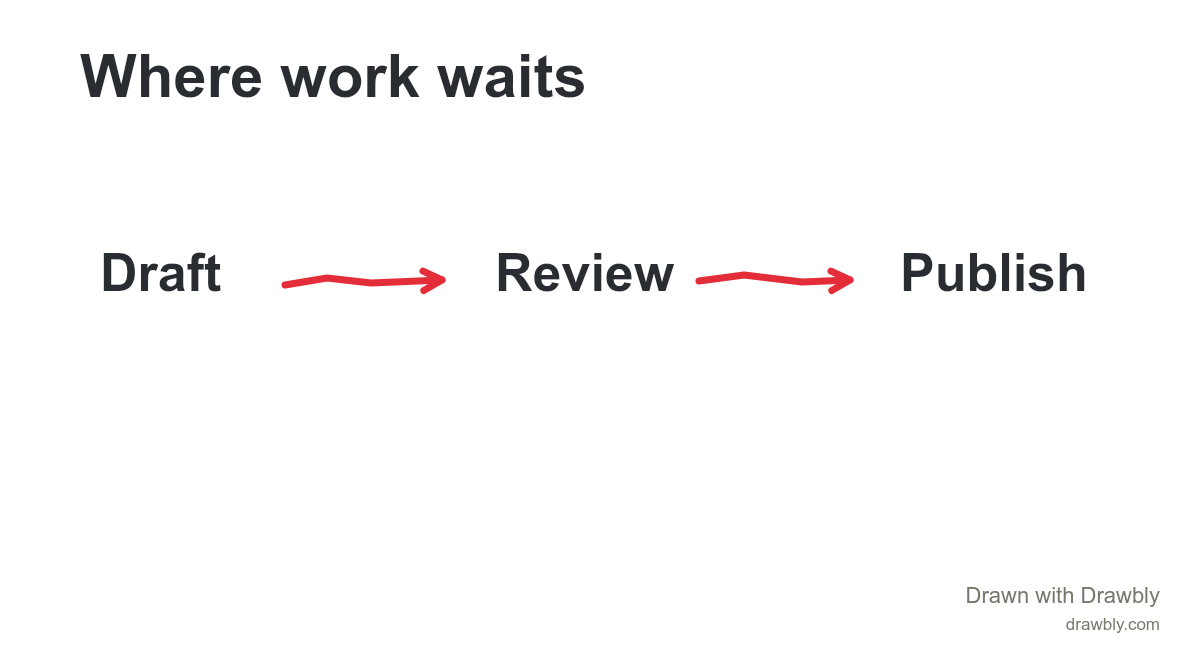
Connect them.
Choose Arrow and draw from one label toward the next. Leave a little room before the arrowhead reaches the word.
Show what matters.
Choose Shade and highlight Review. Add the note “Work piles up here” and an arrow. Then Export PNG.
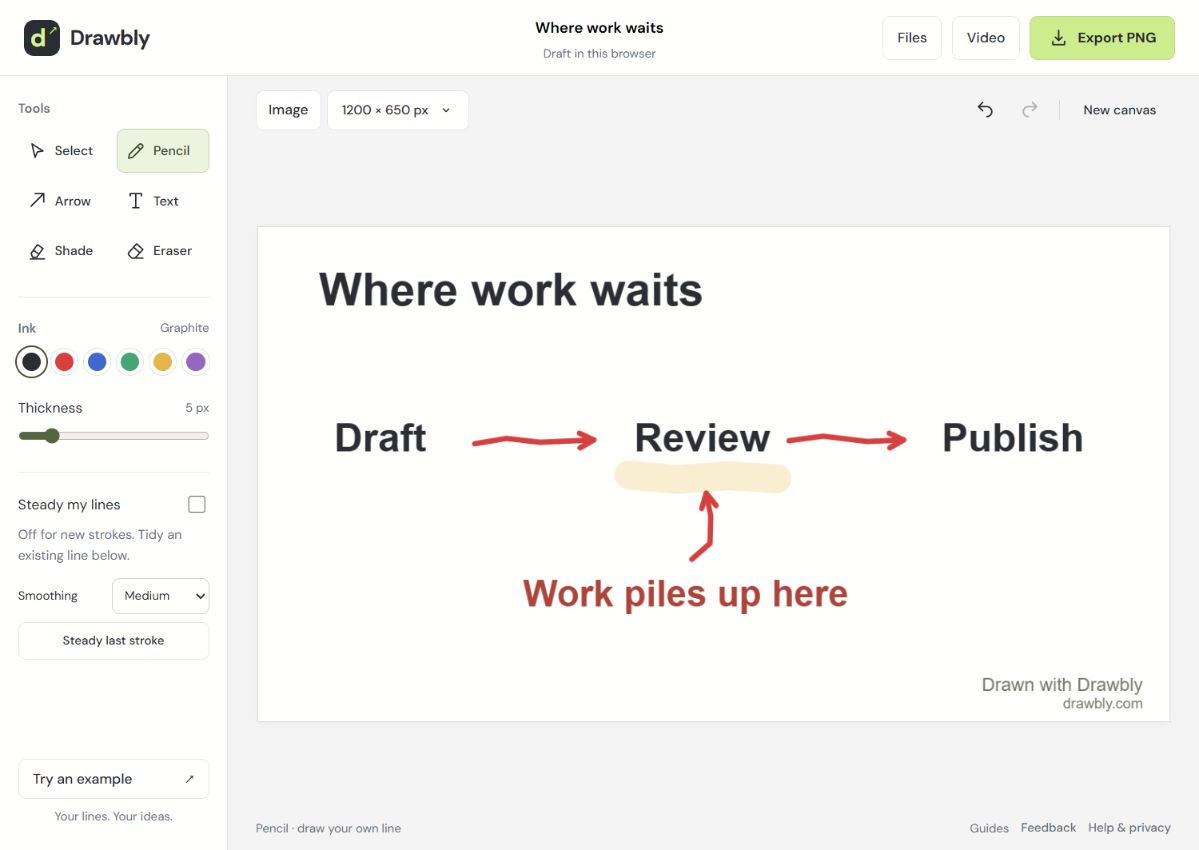
Where are those tools?
A few things worth knowing
Use Select to move a mark. Undo reverses your last change. Steady my lines is optional; Restore original stroke brings the original path back.
Save an editable copy under Files. Browser storage is not cloud backup. Free exports include Drawbly credit.